I Let an AI Agent Build and Ship a Production UI Kit
The real, unfiltered log of building Nocturne with Claude Code — a stuck browser renderer, a font-loading rabbit hole, and a database secret that quietly pointed at the wrong database.
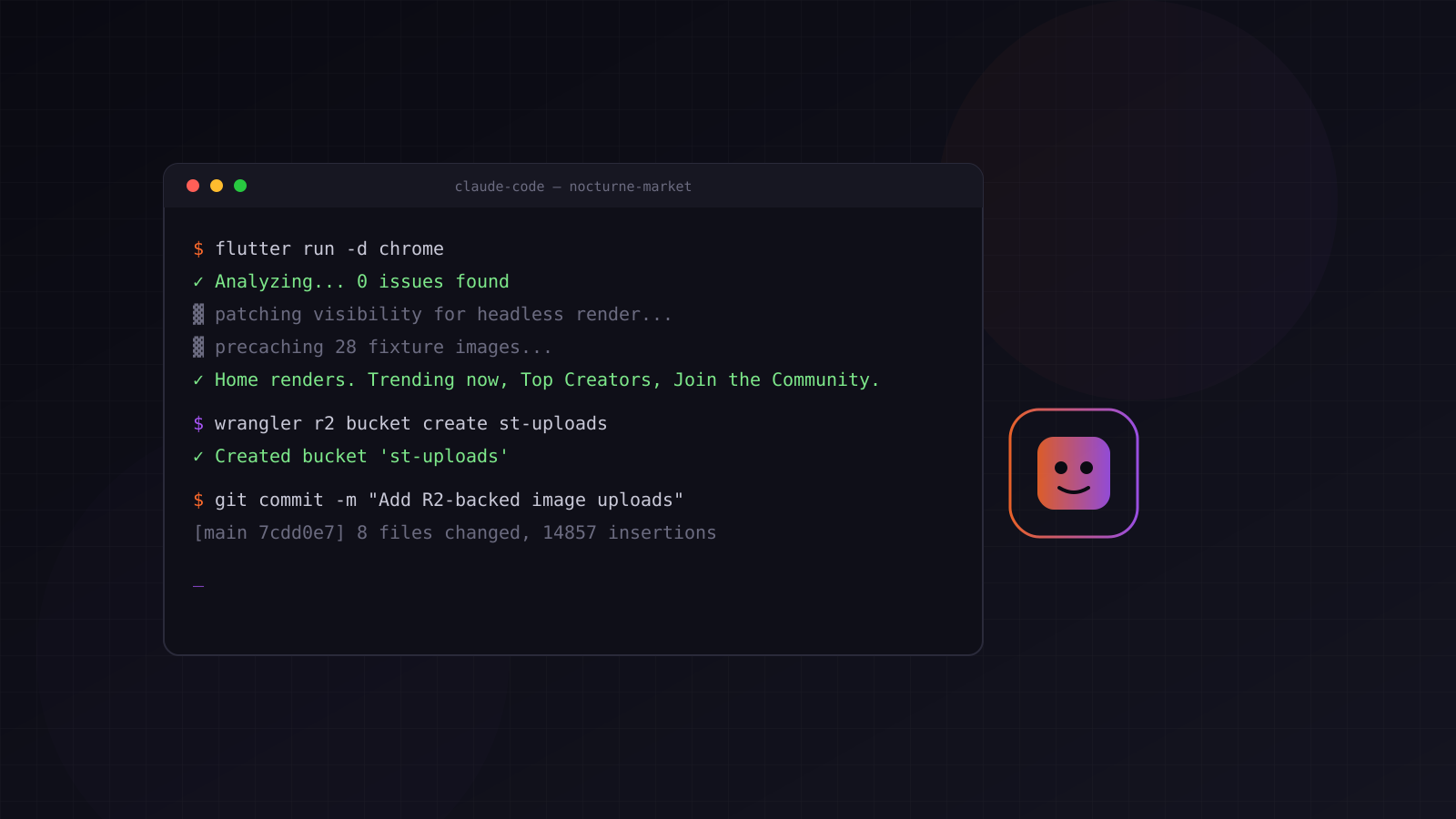
Most posts about coding with an AI agent are either breathless hype or a five-minute demo where everything works on the first try. Neither matches what actually happened when I had Claude Code build, screenshot, and ship Nocturne, a Flutter NFT-marketplace UI kit, end to end. Here’s the real log — including the parts that broke.
The part that worked immediately
Scaffolding the kit itself was the easy 80%: eight screens, Riverpod providers, go_router shell, a token-based theme system. The agent wrote it, ran flutter analyze, ran the test suite, fixed what failed, repeated. This part genuinely is close to the hype — a few hours of iteration produced something that would’ve taken me a couple of days solo.
The part that didn’t: getting a screenshot
I asked for a desktop screenshot of the running app for a blog post. This should have been the trivial part. It took longer than building the app.
First attempt: run Flutter as a web server, open it in the sandboxed browser pane. The page loaded, the JS executed, and then — nothing rendered. Not slow. Nothing, indefinitely. A few layers of debugging later, the actual cause: document.hidden was true in that browser context, and Flutter’s renderer refuses to schedule paint frames for a page it thinks is backgrounded. Not a Flutter bug — a genuine mismatch between “does this environment count as visible” and what the rendering engine assumes.
The fix that should have worked — monkey-patching document.hidden to false before the engine booted — didn’t fully resolve it either. Real browser automation environments have layers of “is this tab actually foregrounded” that a JS property override doesn’t reach.
Pivoting to a completely different rendering path
Rather than keep fighting a browser that wouldn’t cooperate, the agent switched strategies: render the widget tree directly through Flutter’s own test framework — no browser involved at all. flutter_test can rasterize a widget tree to a PNG using the same Skia backend the real app uses. This actually produced a screenshot.
It also produced tofu boxes instead of text, because flutter test doesn’t load real fonts by default, and blank grey circles instead of photos, because the test binding blocks all real network requests — including the network images CachedNetworkImage was trying to fetch.
Fixing the fonts meant fetching actual Google Fonts TTF files (real ones — the CSS API serves EOT to old-IE user agents and WOFF2 to modern ones; getting an actual TrueType file required specifically imitating an old Android WebKit user agent). Fixing the images meant writing a fake HttpClient — matching the exact method (openUrl, not getUrl — package:http’s IOClient calls the former) and every field a real HttpClientResponse exposes, since anything missing threw at a random point deep in image-cache internals.
Both fixes worked. Then a third problem showed up: even with correct fonts and images, CachedNetworkImage still rendered blank — the download succeeded, but the decode never completed, because it kicked off inside the test framework’s simulated clock (FakeAsync), where the real, native image-decode callback never fires. The actual fix was precacheImage() wrapped in tester.runAsync() — forcing that one operation into real time, ahead of building the real widget tree, so the image cache was already warm by the time the screenshot was taken.
At that point I looked at the resulting image, decided it looked like a wireframe compared to what the app actually looks like live, and just took a real screenshot myself. Sometimes the fastest path is the one that doesn’t route through an automated pipeline at all — and knowing when to say “just do it by hand” is still a human call.
Then it kept going: R2, and a bug that had nothing to do with any of this
Getting the images into the blog post led to a real infrastructure gap: images were duplicated between the git repo and the database, in two different formats, for two different rendering paths. The fix was a proper one — a new Cloudflare R2 bucket, an upload API behind the existing admin auth, a read-through route to serve objects back out, wired into the admin forms with a small file-picker. Not a shortcut; an actual feature addition that outlived the one blog post that prompted it.
Along the way, a genuinely unrelated bug surfaced: the newly-seeded blog post and project card didn’t appear on the live site at all, despite the database clearly having the right rows. The cause: the deployed Worker’s DATABASE_URL secret — set independently via wrangler secret, completely separate from the local .env file — had drifted from what local scripts were writing to. Two different databases, same schema, silently diverging. Nothing in the code was wrong; the deployment’s own configuration just didn’t match its source of truth anymore.
What this actually says about building with an agent
The parts that felt closest to “magic” were the parts with a fast, mechanical feedback loop — compile errors, failing tests, a 404 that should be a 200. The agent ground through the font-loading rabbit hole and the fake-HTTP-client plumbing with a patience I genuinely don’t have for that kind of debugging, and it got there.
The parts that needed a human call were different in kind, not degree: deciding a rendering pipeline had stopped being worth fixing and a real screenshot was faster; noticing that “images live in two places” was a real problem worth a proper fix, not a one-off patch; being suspicious enough of “it’s not showing up” to actually go check whether the deployed secret matched local assumptions, instead of re-running the same fix repeatedly.
None of that is a knock on the tool — it did the grinding correctly and fast. It’s the actual shape of what “building with an AI agent” looks like once you’re past the demo: less “type a prompt, get an app,” more “the agent handles the parts that are genuinely mechanical, and you still own the judgment calls about direction.” That’s a real productivity gain. It’s just a different one than the hype implies.